
Table of Contents
ToggleHow to Edit Videos That Keep People Watching in 2026
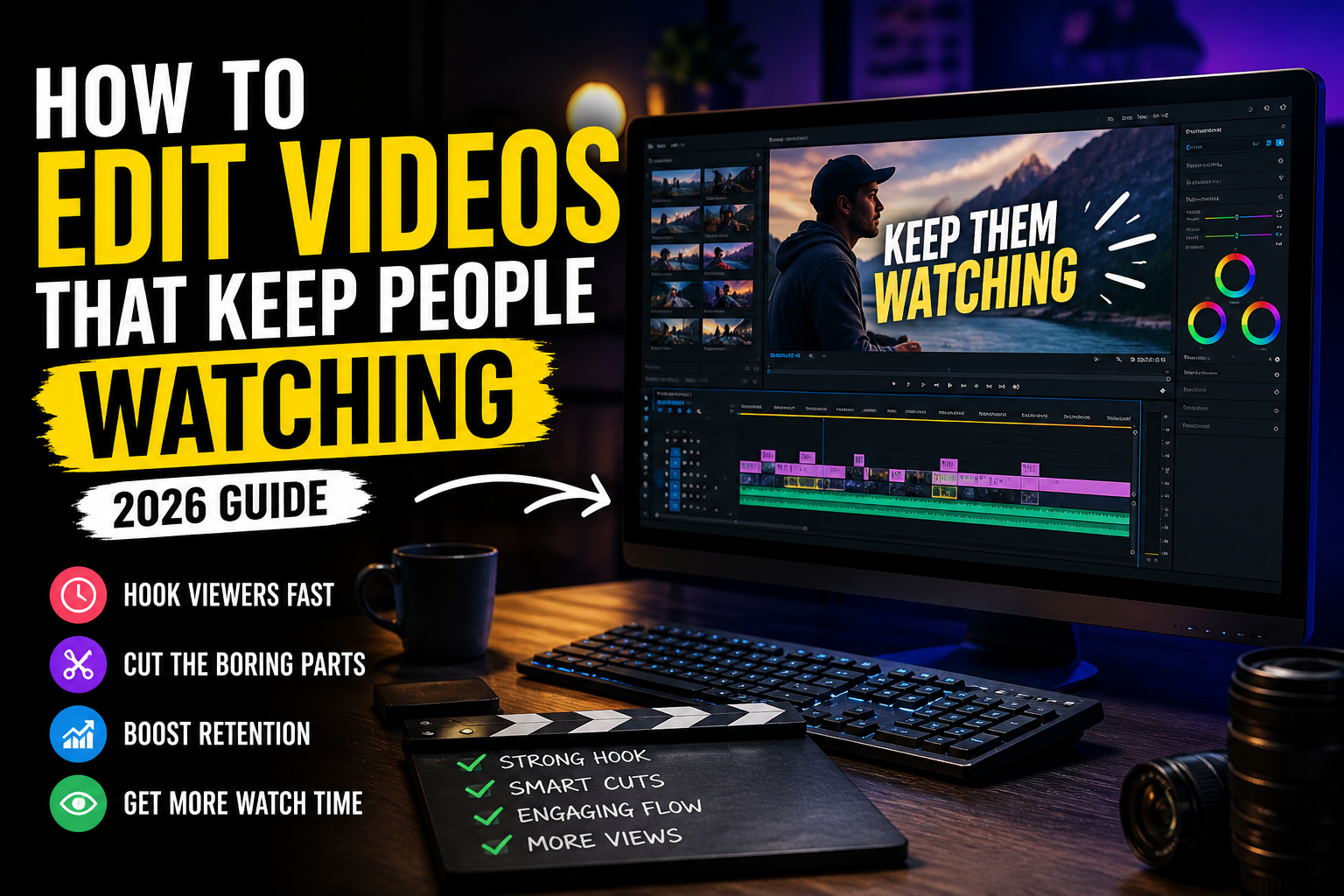
How to edit videos that keep people watching is not about fancy effects. It’s about controlling attention from the first second to the last.
You’ve probably seen it happen.
You open a video. Within three seconds, you already know if you’re staying or leaving. No analysis. Just instinct.
That’s not content. That’s editing.
Most people think editing is about cuts, transitions, maybe some effects. In reality, how to edit videos that keep people watching is about controlling attention. Every second either pulls the viewer in… or gives them a reason to scroll away. video editing tips
The First 3 Seconds Decide Everything
If your video starts slow, it’s over.
No intro music. No “hey guys.” No buildup.
Start with impact.
This is one of the most important video editing tips for engagement—your opening should create curiosity instantly. A bold statement, a visual shift, a question that makes people pause.
Think of it like grabbing someone’s attention in a crowded room. You don’t start with a long explanation. You say something that makes them look.
Cut the Boring Parts (Ruthlessly)
Here’s a hard truth.
What feels “normal” to you feels slow to the viewer.
Every unnecessary pause, every extra second—it adds friction.
This is where video editing techniques for retention matter. Good editors don’t ask, “Is this okay?” They ask, “Is this necessary?”
If a part doesn’t move the story forward, remove it.
Tighter videos don’t feel rushed. They feel intentional.
- This is exactly how to edit videos that keep people watching in 2026.”
- “Understanding how to edit videos that keep people watching improves retention
Movement Keeps the Brain Engaged
Static visuals kill attention.
Even if your content is good, a still frame for too long makes the brain lose interest.
This is why how to increase watch time on videos often comes down to movement.
- slight zoom-ins
- quick cuts
- text appearing
- angle changes
You don’t need heavy effects. You need controlled variation.
The goal is simple: don’t let the screen feel dead.
Text Is Not Decoration—It’s Support
People don’t just watch videos. They read them.
Captions, highlights, key phrases—these reinforce your message.
But here’s the mistake: overusing text.
Too much text = overload.
The right approach?
Use text where attention might drop.
This is one of those subtle video editing tips for engagement that improves clarity without making the video feel heavy.
Pattern Interrupts: Break the Flow on Purpose
If your video feels predictable, people leave.
The brain gets bored when it knows what’s coming next.
This is where pattern interrupts come in—small, unexpected changes.
- sudden zoom
- quick sound effect
- visual switch
- text pop
These are powerful video editing techniques for retention because they reset attention.
Think of it like a conversation. If someone speaks in the same tone for too long, you stop listening. Change the rhythm, and you come back.
Don’t Edit for Yourself—Edit for the Viewer
This is where most beginners struggle.
You already know what’s coming next in your video. The viewer doesn’t.
So you keep things that feel important to you—but aren’t important to them.
That’s why video editing for beginners often needs a mindset shift.
Stop asking:
“Did I include everything?”
Start asking:
“Will someone stay till the end?”
Different question. Better results.
Build Curiosity in the Middle
Most people focus on the start. Few focus on the middle.
That’s where retention drops.
If your video becomes predictable after the hook, people leave halfway.
To fix this, create small curiosity loops.
- tease what’s coming next
- hint at a result
- build slight tension
This is how how to make engaging videos actually works—not just grabbing attention, but keeping it.
Sound Design Matters More Than You Think
Good visuals without good sound feel incomplete.
Small details—clicks, transitions, background audio—make a big difference.
Sound gives your edits rhythm.
And rhythm keeps people watching.
If your video feels flat, it’s usually not just visuals—it’s missing audio depth.
Keep It Platform-Smart
Editing for YouTube is different from editing for Reels.
Different attention spans. Different expectations.
This is where editing videos for social media growth becomes strategic.
Short-form:
- faster cuts
- stronger hooks
- high energy
Long-form:
- slower pacing
- deeper storytelling
Same content won’t work everywhere. Adapt your editing style.
The Real Goal: Make It Easy to Watch
Here’s the simplest way to understand everything.
A good video feels easy.
Easy to follow. Easy to watch. Easy to stay.
That’s the core of how to edit videos that keep people watching. Not complexity. Not heavy effects.
Clarity.
When your video flows naturally, people don’t think about leaving. They just stay.
Conclusion
Editing is not about making things look fancy.
It’s about removing friction.
Every cut, every transition, every text element—it should help the viewer move forward without effort.
If your video feels smooth, people stay.
If it feels heavy, they leave.
Understanding how to edit videos that keep people watching is not about tools or software.
It’s about attention.
And once you learn how to control attention, your videos stop getting skipped—and start getting watched.
- This is exactly how to edit videos that keep people watching in 2026.”
- “Understanding how to edit videos that keep people watching improves retention
FAQs
1. What is the most important part of video editing?
The first few seconds. If you don’t capture attention early, viewers won’t stay.
2. How can I increase watch time on videos?
Use faster cuts, remove unnecessary parts, and keep visual movement consistent.
3. Do I need advanced tools to edit engaging videos?
No. Clear structure and good pacing matter more than tools.
4. What are common mistakes beginners make?
Keeping videos too long, adding unnecessary effects, and ignoring pacing.
5. How do I make my videos more engaging?
Focus on clarity, variation, and guiding the viewer’s attention throughout the video.